Hadith Checker — Research & Analyse Hadith in Claude
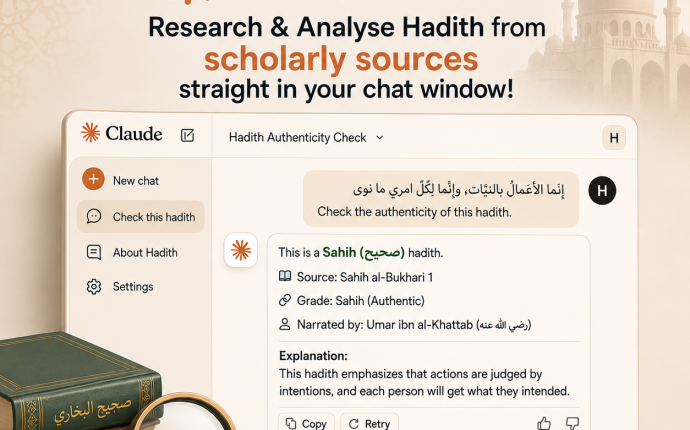
Use this free Claude extension to search and research ahadith through Dorar.net directly in Claude Desktop [also free to use]. Search for Hadith, explore isnād [chain of narration] and Takhrīj, read commentaries (Sharḥ and explanations), check scholarly grading of ahadeeth, and more in Arabic, English & any language of your choice.
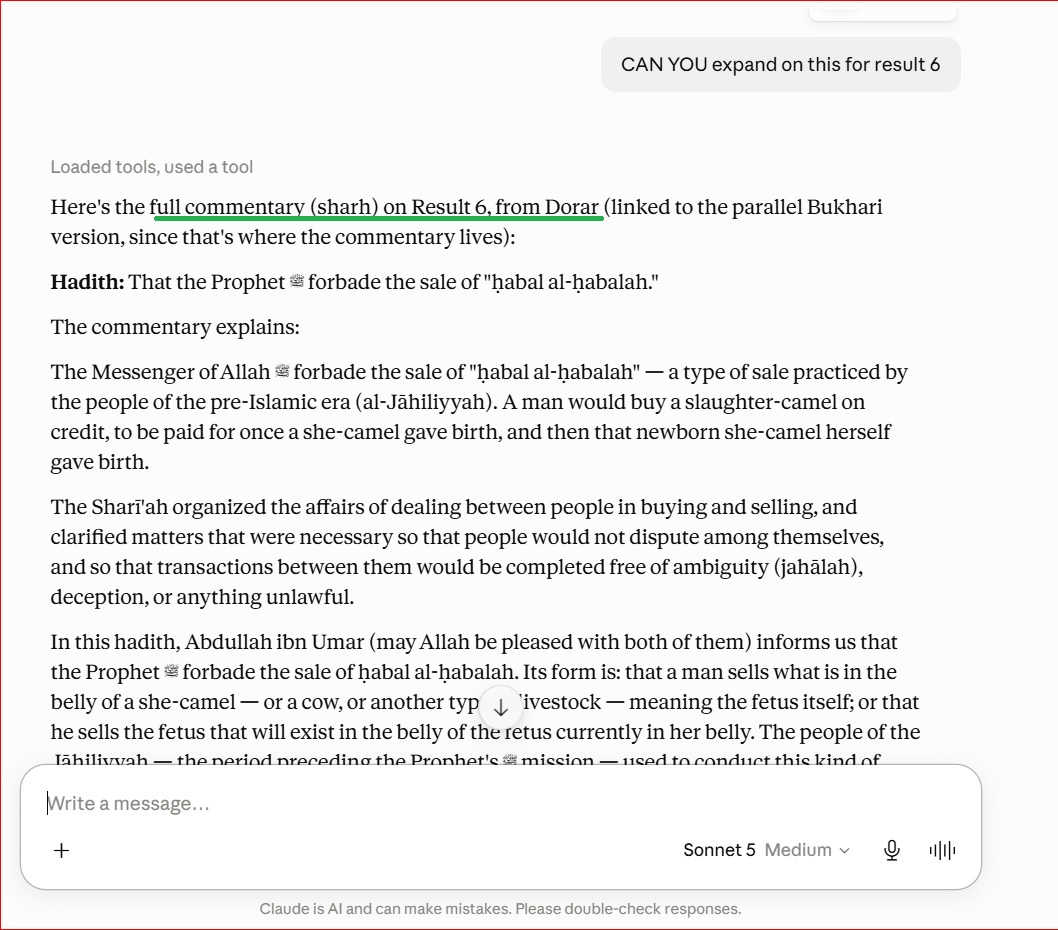
Just use your normal claude desktop’s chat window and ask away. Rest assured, the tool is strictly restricted from self interpreting results and instead gives you the exact result as it would appear on the scholarly run dorar.net website so you don’t have to worry about ai interference.
Installation
For most people — no terminal, no setup:
- Download the latest
dorar-hadith-mcp-v3.0.mcpbfile from GitHub Releases [https://github.com/ibnsaleem29/dorar-hadith-mcp/releases . - Open the downloaded file with Claude Desktop (double-click it, or drag it onto the Claude Desktop window) or Open the settings inside claude, search for extensions and inside it click on Advanced settings and then install extension.
That’s it — the hadith search, grading, and commentary tools are now available in Claude Desktop.
Note: After completing the installation, exit the claude’s desktop app fully and restart the app for the extension to function properly
Before You Start: How to Get Accurate Results
This connector is designed to relay dorar.net’s search results faithfully, in full, in both Arabic and English but it can also translate/reply in your choice of language [malay, urdu, bangla, italian, turkish etc] A few things affect whether it does that correctly:
- Always try to paste the Arabic text of the hadith you’re checking – it’s faster & precise. Searching with an English translation also works: For best results with English input, make sure your translation is accurate and close to the original hadith and not loosely worded because a rough paraphrase makes it harder to find the correct attested Arabic wording.
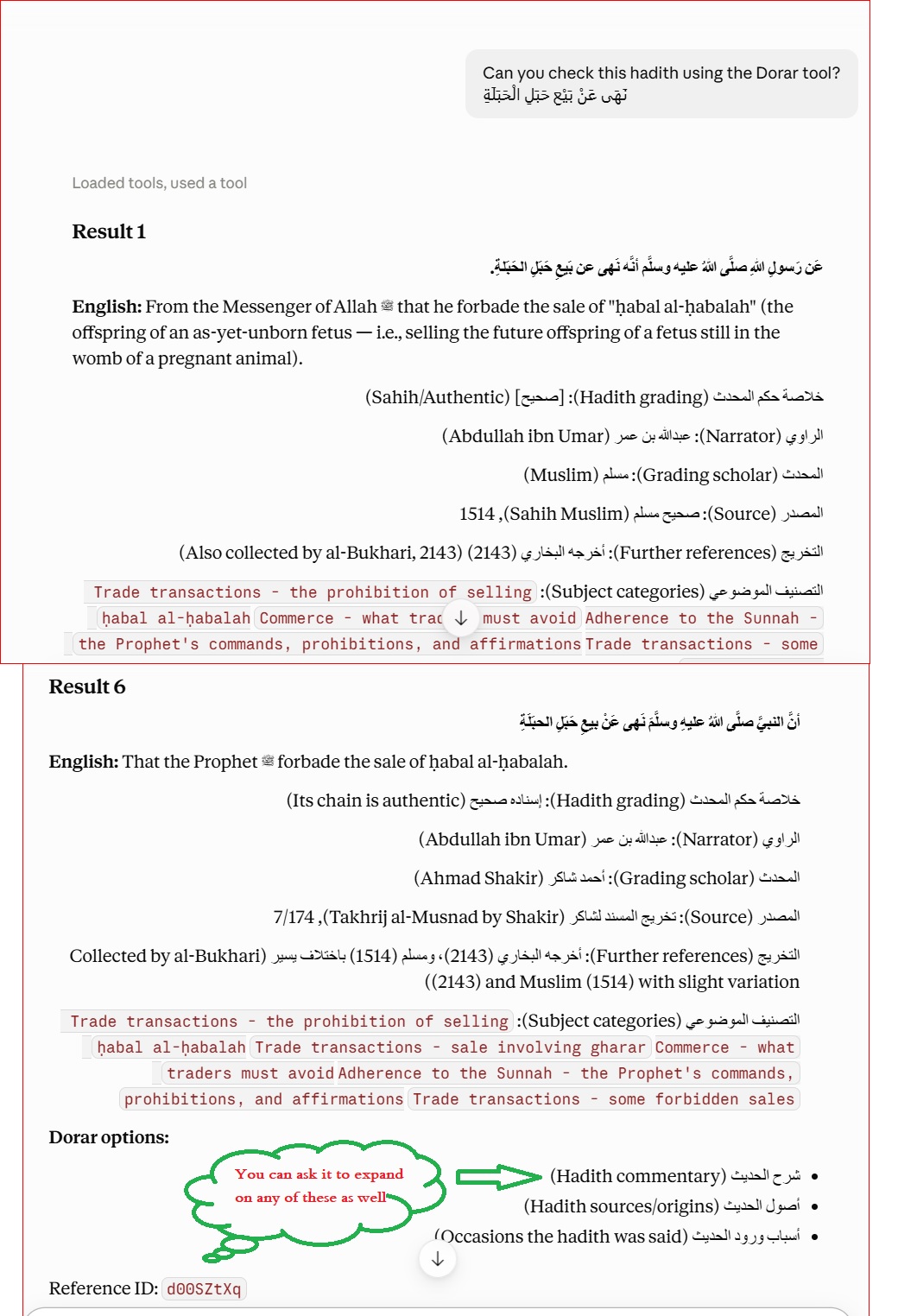
- . IMP –> Always append the prompt/ wording “using dorar” or using the dorar tool” [in your chat] for the correct response It will give you everything with this prompt [authenticity, number of books this hadith is found in, grading by each scholar, commentary options, etc]. You don’t have to type anything extra. Scroll down to see the screenshots
examplesfind using dorar the hadith _صليت مع النبي، فوضع يده اليمنى على يده اليسرى_share the entire result using dorar to find the hadith "whosever lies upon me...." - Saved memory/preferences from other conversations can silently affect this tool. If you’ve previously told Claude something like “don’t bother checking ahadeeth already in Bukhari and Muslim,” then that instruction can carry into a conversation using this connector and cause Claude to give you a shortened summary instead of the full result. If you notice unexpectedly brief or summarized results, check Claude’s memory/saved preferences (in Settings) for anything that might be overriding this tool’s behaviour, and consider either deleting it or adding an explicit command overriding that preference when you use the dorar tool
4. It’s always better to use a new chat for different ahadith. Long chat sessions can carry over context from earlier in the same conversation (including earlier, different tool calls), which can affect later results.
See It In Action
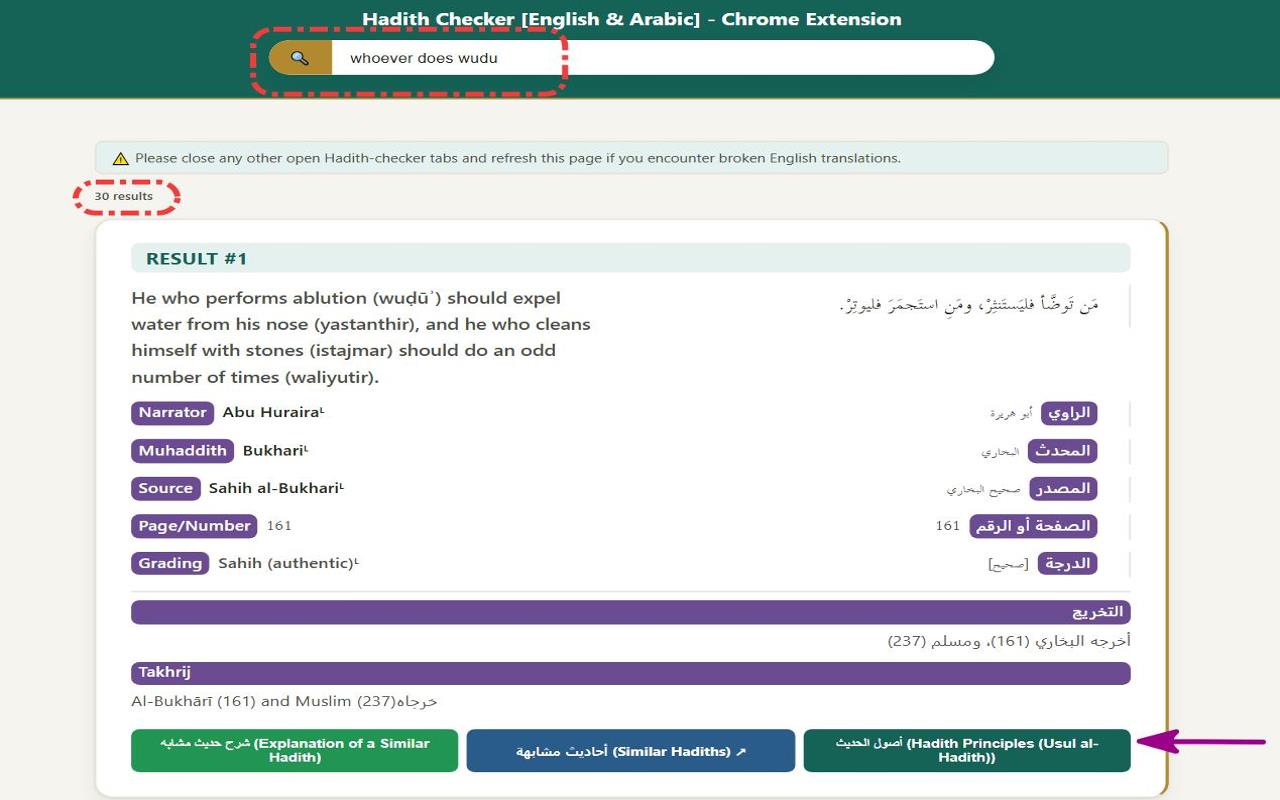
DON’T WANT TO USE CLAUDE? TRY OUT THE FREE CHROME EXTENSION INSTEAD
Click on the image below

Link: https://chromewebstore.google.com/detail/hadith-checker-english-ar/oodkfbfpceiinidodofnhgoabjmpifco